
How to book Skytona for your wedding
Build your coverage, submit your wedding details, and see what must happen before your date is reserved.
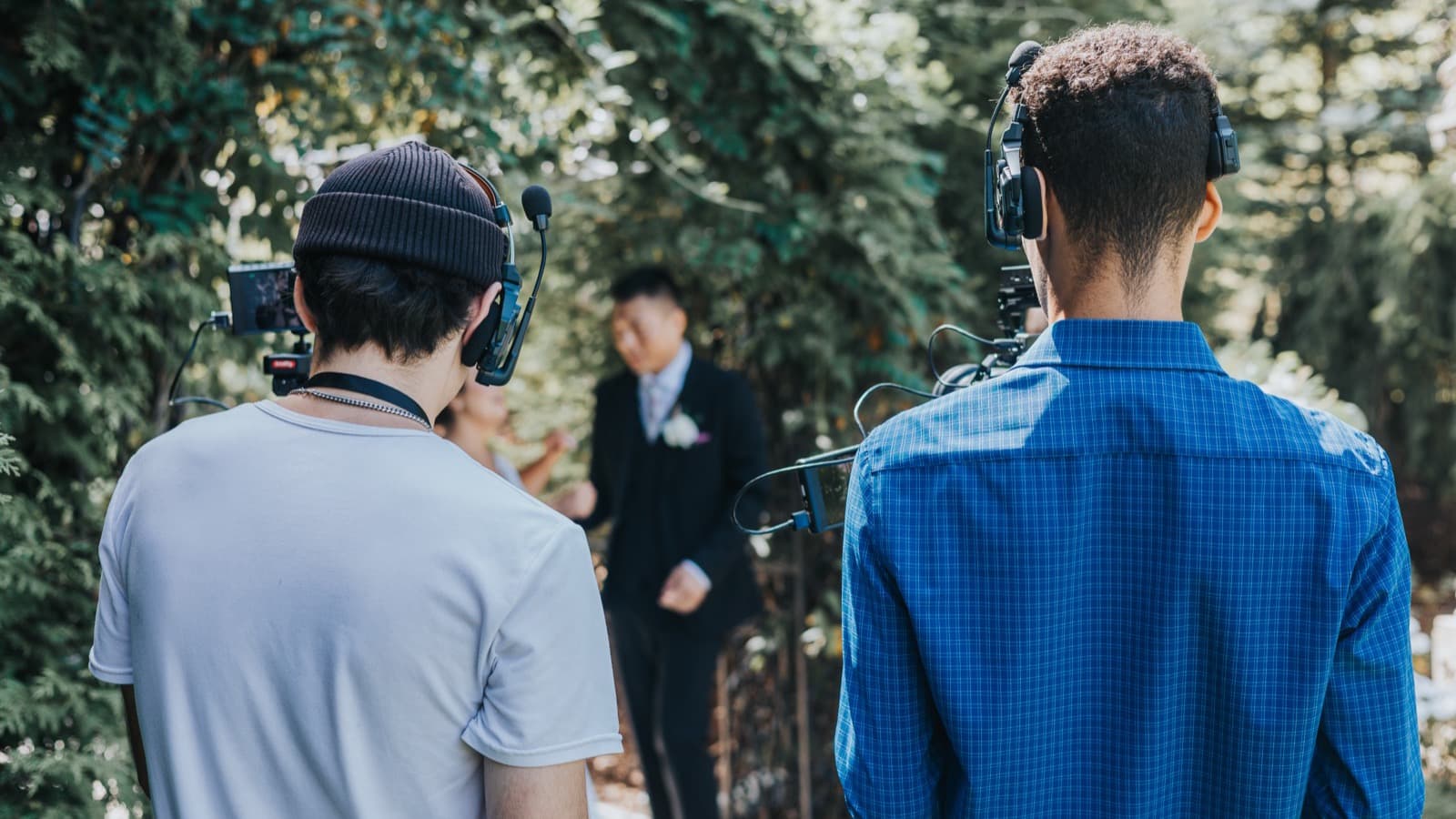
Start with the booking page
Start on the booking page by choosing a collection. You can then adjust the coverage hours and crew before you submit. Audio details and available add-ons appear in the same builder. The page updates the price as you build.
Use your wedding schedule to guide the choices. Check when you want filming to begin, when the moments you care about will happen, and whether the day moves between locations.
Review the build together
Before submitting, make sure both partners agree on the moments and people the coverage needs to protect.
Use the notes field
Tell us about schedule questions, travel between locations, or anything the builder could not capture. A Skytona team member reads these notes.
From build to reserved date
Submitting your build does not reserve the date. Skytona reviews the details first. Your date is reserved only after the agreement is signed and the deposit is paid.
- Step 1. Build your coverage
- Step 2. Submit your details
- Step 3. Agreement and deposit
- Step 4. Your portal opens
How payment works
Your date is reserved with a 30 percent non-refundable deposit. Until the agreement is signed and the deposit is paid, the date remains available.
You can pay the remaining balance in full or arrange up to six monthly installments at booking. Paying in full reduces the total by 10 percent.
Dates are first come, first served
A submitted booking form starts the review. Only a signed agreement and paid deposit reserve the date.
What happens after you book
Once your booking is active, use the wedding portal for planning and payments. It also holds your documents and appointments. Film progress and releases appear there after the wedding.
- 1Sign in to your portalOpen the portal when your booking becomes active and save the address. Home shows the next item that needs your attention.
- 2Start your BlueprintBegin with the answers you already know. You can save your progress and return as the rest of the plan takes shape.
- 3Check MessagesUse Messages for project questions and updates. Keeping the conversation with the wedding record gives the team the right context.
Can we add things after booking?
Yes, when the schedule and crew availability allow it. The add-on store shows available options. Contact Support if you need to change the collection itself.
What if our venue or date changes?
Contact Skytona as soon as you know. Date changes depend on availability, so earlier is always better.
Do you travel outside New England?
Yes. New England weddings have no travel fees, and destination weddings are priced case by case based on logistics.
Still have questions?
Contact Skytona or open the right portal.
The public help center explains the why, the what, and the next step. Project-specific details should stay in your portal.