
Build your wedding coverage
Use your timeline and locations to choose coverage hours, crew size, audio, and add-ons.
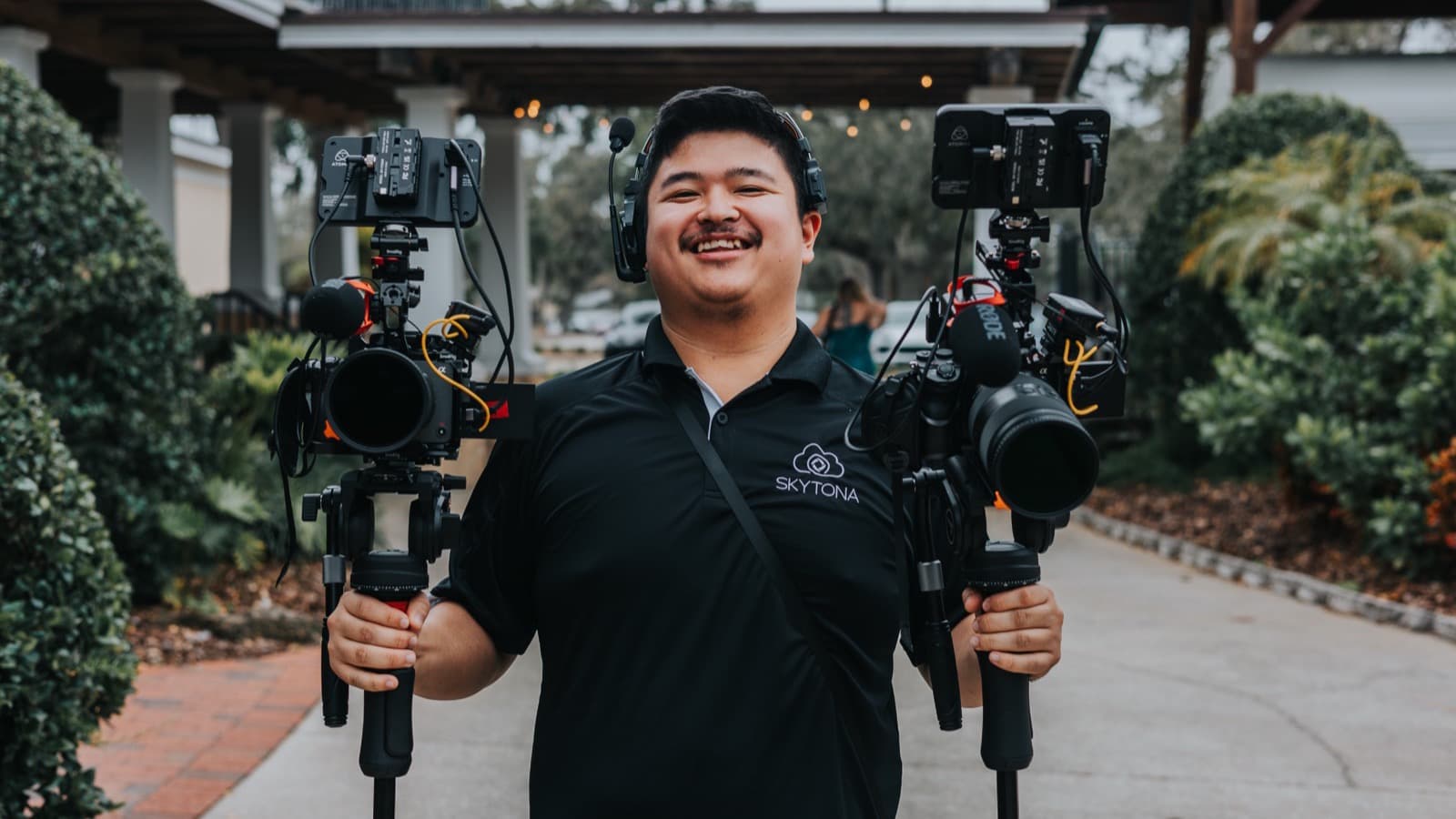
Coverage is more than hours
Coverage hours decide when filming begins and ends. Crew size affects how many locations or simultaneous moments can be covered. Microphones determine how many voices can be recorded directly.
Start with the timeline and addresses. Mark the first moment you want filmed, the last moment you want included, and every drive between them. Then check whether important events overlap.
- Coverage time
- Crew size
- Audio plan
- Add-ons
How to think it through
Use this order before adding upgrades. It catches the schedule problems that affect filming most.
- 1Map the coverage windowPut the proposed start and end times on your timeline. Check that the window includes the preparations, ceremony, reception events, and exit you want filmed.
- 2List every addressTravel is part of the coverage window. Include the getting-ready locations, ceremony, portrait location, and reception so the drive time is visible.
- 3Find simultaneous eventsSeparate preparations or overlapping cocktail-hour events may need another filmmaker. Note where one person could not cover both moments.
- 4Count the voicesList the people giving vows, leading the ceremony, or speaking at the reception. Compare that list with the microphones included in the collection.
- 5Use the notes fieldTell us which moments matter most and where the schedule is uncertain. The team can review those details before the booking moves forward.
Ask for a timeline check
Send us the latest schedule, even if it is still a draft. We can mark what the proposed coverage includes and what would fall outside it.
Protect fixed events first
Ceremony time, venue access, and travel cannot be compressed later. Build around those constraints before choosing optional upgrades.
What you can change after booking
The add-on store in your portal shows options available after booking. Keepsakes and some film upgrades can be decided later. Added hours, filmmakers, drone coverage, or photography depend on the crew and equipment still available for your date.
Decide crew and hours early
Ask about extra filmmakers, drone coverage, photography, or added hours as soon as the need appears. Those changes affect the wedding-day schedule and require availability.
Still have questions?
Contact Skytona or open the right portal.
The public help center explains the why, the what, and the next step. Project-specific details should stay in your portal.