
What to expect from wedding audio
How microphones are assigned and placed, what audio is included in your collection, and which details to confirm before the wedding.
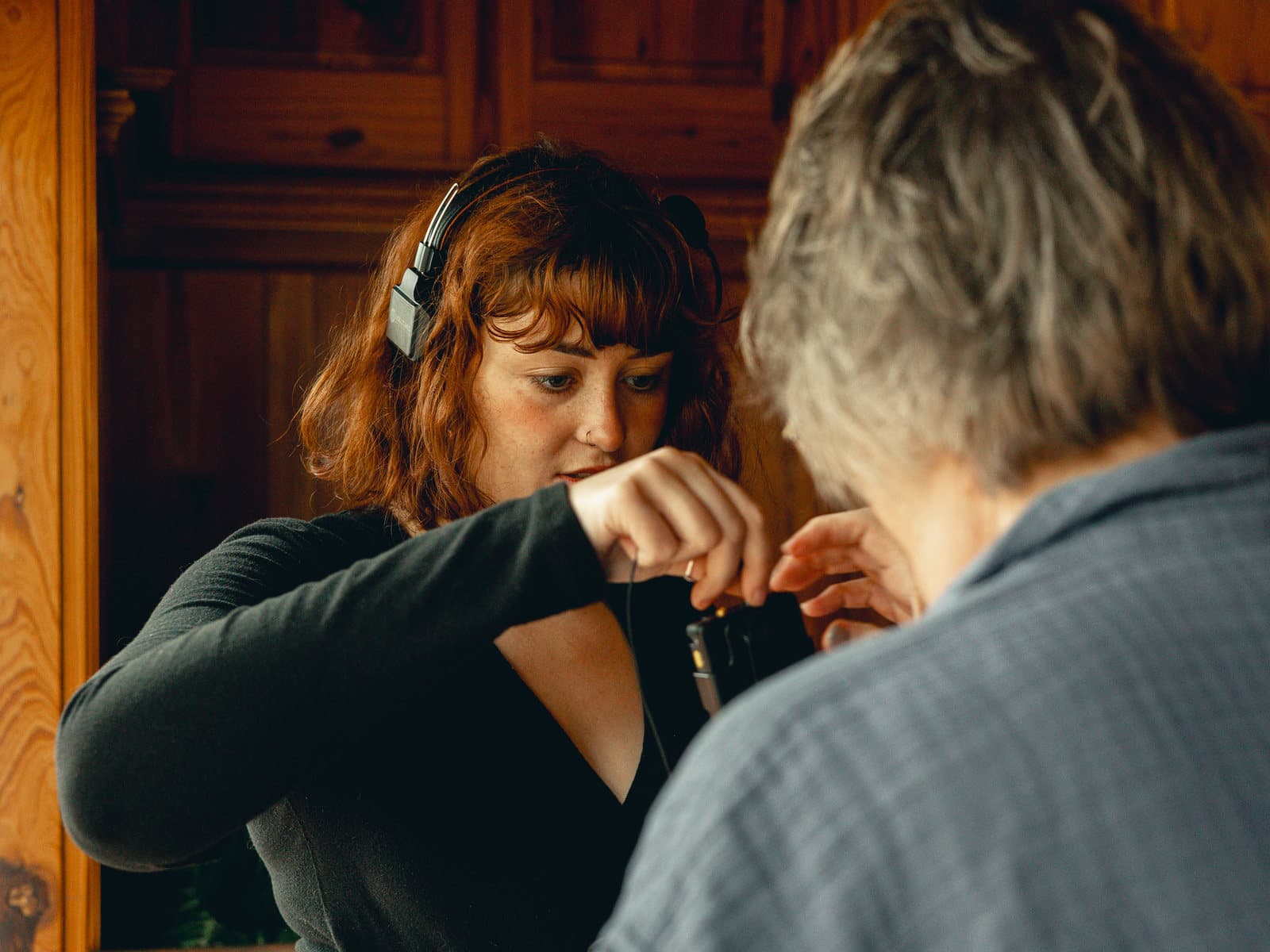
Why clear audio matters
Vows, readings, speeches, letters, and natural conversation often carry the meaning of a wedding film. Skytona plans those recordings before the wedding instead of deciding microphone assignments on arrival.
Your collection includes a set number of microphones. The Blueprint and Event Brief identify which people and moments receive them.
Who gets a microphone
Assignments depend on your collection, ceremony rules, clothing, and the people speaking. Typical priorities include both partners, the officiant, and scheduled speakers. Confirm the final list in the Event Brief.
- Each partner
- The officiant
- Speakers and readers
- Meaningful guests
How placement actually works
The crew places microphones where they can record clearly without distracting from clothing or the ceremony. The exact position depends on the garment and the person wearing it.
Tell us about delicate fabric, unusual clothing, venue restrictions, or anyone who does not want to wear a microphone. The team can choose another recorder or placement when the plan allows.
Tell us about wardrobe early
Delicate fabrics, backless clothing, and kilts may need a different recorder or placement. Add the detail before the Event Brief is approved.
Ceremony rules vary
Some venues and officiants restrict where equipment can go. Flag it in your Blueprint and we will plan around it.
Lock in your assignments
Your Blueprint is where the audio plan gets real. When assignments are clear before the day, Skytona arrives with a plan instead of asking rushed questions during it.
- 1Add speakers, readers, and important guests in the Audio & Music chapter of your Blueprint.
- 2Tell us about private vows, letters, toasts, and ceremony readings, including the surprise ones.
- 3Review the Event Brief before the wedding so the final microphone plan is exactly right.
Still have questions?
Contact Skytona or open the right portal.
The public help center explains the why, the what, and the next step. Project-specific details should stay in your portal.