
Manage your sessions
Request an available production date, state the capture goal, track team confirmation, and prepare the people and spaces involved.
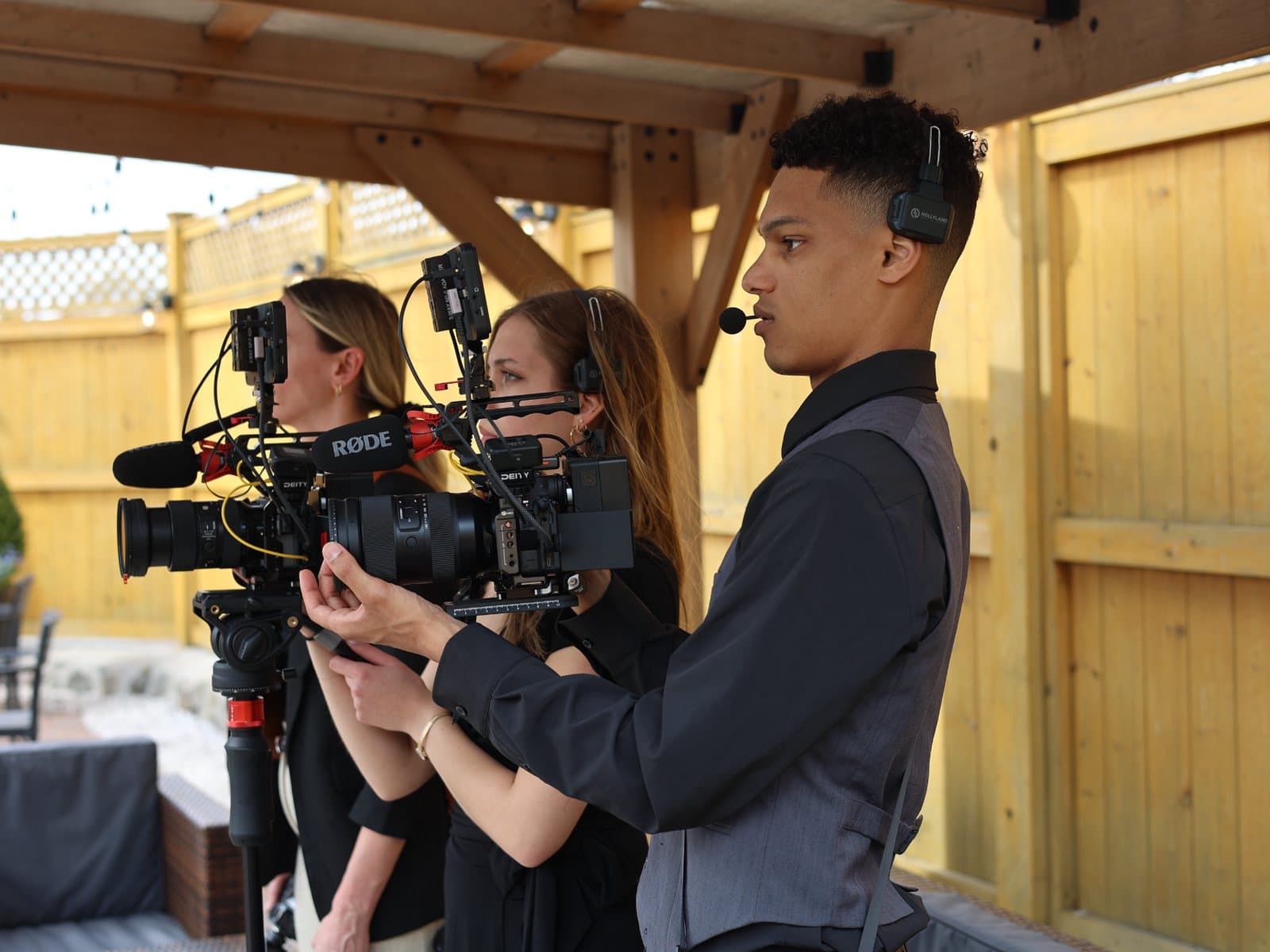
Sessions are your raw material
A session is a scheduled visit where Skytona captures footage, interviews, photography, and context at your business. Everything your plan delivers afterward is cut from that material.
One good session feeds weeks of output. The same visit that captures a staff interview can also produce social clips, a website hero video, waiting room screen content, and recruiting media. That is the whole idea: capture once, publish everywhere.
- Social content
- Website media
- Skytona Screens
- Campaigns and recruiting
How your monthly rhythm works
Retainer plans include a set number of sessions each month. The rhythm is simple: we plan the day around a goal, we film, we edit, you review, and the work goes live. Then the next cycle starts.
Days that are used are tracked against your plan, so both sides always know where the month stands. If a month is unusually busy or unusually quiet, talk to us early and we will shape the schedule around it.
- Plan the day
- We film on site
- Edit and prepare
- You review and approve
Request a session
Request sessions from the portal calendar. Select an available date and coverage window, then describe the capture goal and location. A request is not a confirmed booking until the team approves it and sends the final arrival details.
- Days used and days left this month
- Confirmed shoots on the calendar
- A request waiting on us
- 1Open Sessions in your portalYou will see your plan, the sessions used this month, and any upcoming confirmed shoots.
- 2Pick an available dateThe calendar checks the studio schedule. Your selection remains a request until the team confirms the booking.
- 3Tell us the goalA sentence is enough: what should exist after this day that does not exist now? People to film, places, anything time-sensitive.
- 4Wait for confirmationThe portal and confirmation email show when the date, coverage window, location, and arrival time are booked.
Make every day count
The difference between a good session and a great one is almost always preparation on both sides. A few habits multiply what you get back.
Bring goals, not shot lists
Tell us what the content needs to accomplish (hiring, trust, awareness) and let the crew solve how to film it.
Batch your subjects
If three people need to be on camera, schedule them into the same day. Interviews back to back beat three separate visits.
Real people beat perfect settings
Your staff and your customers carry more weight on camera than any polished backdrop. Give us access to them.
Flag time-sensitive moments early
Events, celebrations, and milestones cannot be re-shot. Request the day as soon as the date exists.
Strategy calls sharpen sessions
If the goal for the next day feels fuzzy, book a strategy call first. Fifteen minutes of alignment routinely saves hours on site.
Common questions
The questions business clients ask most about sessions.
What counts as a session?
A scheduled on-site visit where the Skytona crew captures media for your plan. Planning meetings and strategy calls do not count against your sessions.
What if we need more days than our plan includes?
Extra days can usually be added. Contact Skytona through your portal and we will confirm scheduling and pricing before anything is booked.
How far ahead should we request a day?
Use the live availability calendar as the source of truth. Request the session as soon as the date and goal are known; short-notice dates may have fewer available windows.
What should we have ready when the crew arrives?
The people who are being filmed, access to the spaces we agreed on, and any products or materials that need to appear on camera. We handle everything else.
Still have questions?
Contact Skytona or open the right portal.
The public help center explains the why, the what, and the next step. Project-specific details should stay in your portal.